QuickBooks®
Open the QuickBooks Setup Screen
Use these steps to setup your QuickBooks integration with FrameReady.
How to Enter the QuickBooks Setup Screen
-
Log in as level4.
-
On the Main Menu, click the Setup Data icon.

-
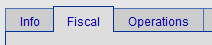
Open the Fiscal tab.
-
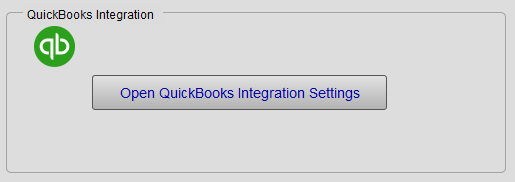
Click the Open QuickBooks Integration Settings button.
-
The Main QuickBooks Integration window appears.
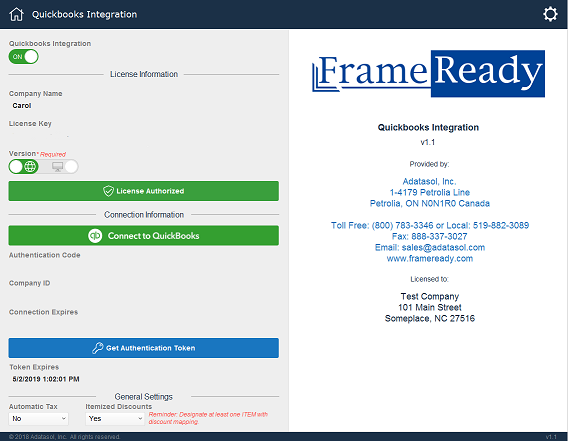
Main QuickBooks Integration
Important Notes
-
Your QuickBook login credentials are not stored in FrameReady.
-
Per QuickBook requirements, you only need to sign in once per year.
General Settings
Automatic Tax
-
QuickBooks Online has the option to automate sales tax calculations. Set to Yes or No.
Itemized Discounts
-
Set to No by default, the FrameReady QuickBooks integration is set up to send an Invoice-level discount that equals the total of all line item discounts (not an item by item discount; the discount applies to all items on the Invoice).
-
To allow an itemized listing of each discount, set the Itemized Discounts field to Yes. See: Set up QuickBooks Discounts
