Send HTML Email to Contacts
New in FrameReady 12!
Send HTML email directly from the Contacts file in FrameReady.
-
Useful for sending customer-facing, marketing emails, e.g. upcoming specials and events, to your customers.
-
You can copy and paste the HTML source code (images and other files must be hosted somewhere online in order to appear) as well as make use of "merge" fields, such as First Name and Last Name. Online editors exist to visually design HTML emails.
-
See also: Set up HTML Email
HTML Email Overview
-
You can store prepared HTML emails in FrameReady and quickly send, as needed, to a customer.
-
Currently available for use when sending email from Contacts.
How to add an HTML Email in FrameReady
-
Follow the steps to switch to SMTP HTML email: Set up HTML Email
-
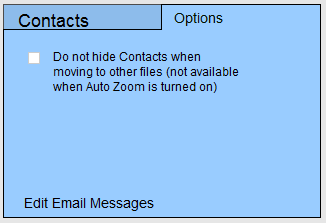
On the Main Menu, in the Contacts section, open the Options tab.
-
Click the Edit Email Messages button.
-
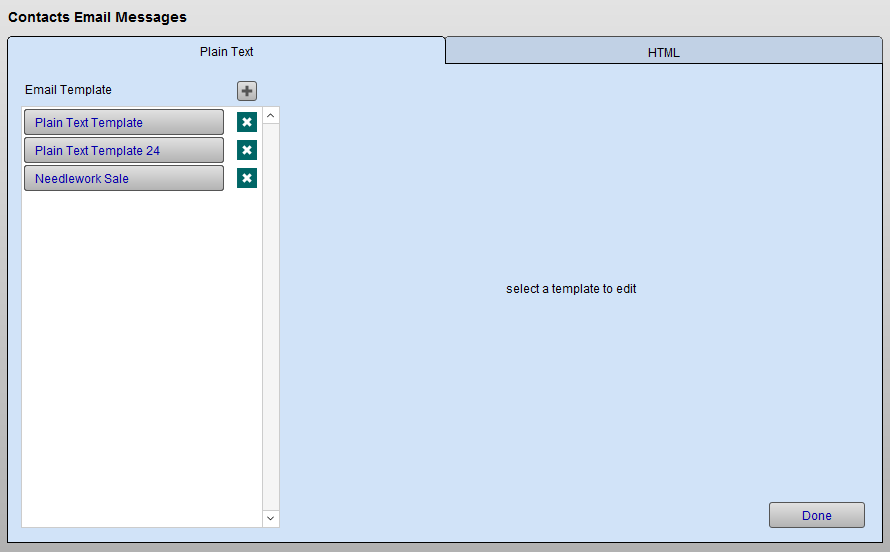
The Edit Email Templates window appears.
-
There are two tabs, Plain Text and HTML. These represent the different types of email that FrameReady can send. You can store your message templates in either or both.
-
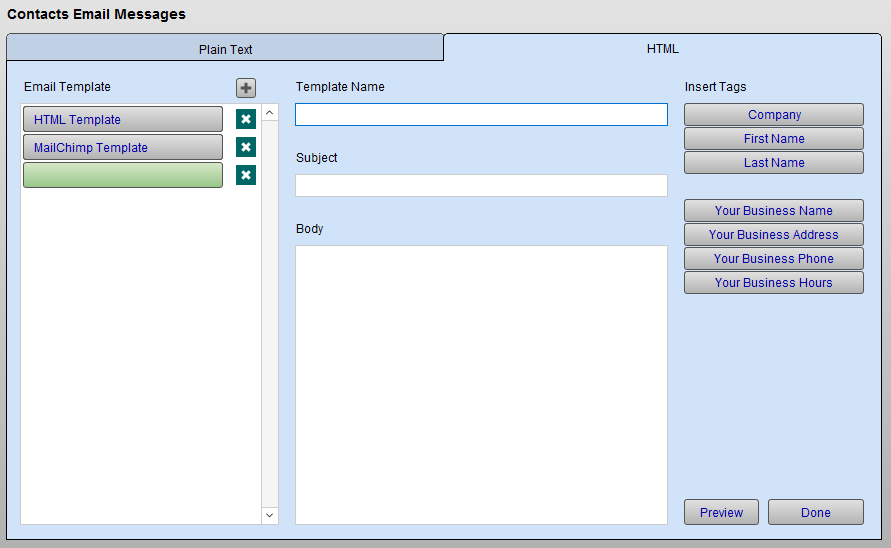
Open the HTML tab and click the plus + icon button.
-
Enter a meaningful Template Name, Subject line, and paste the HTML source code into the Body field.
Tip: Keep your Email Template names brief so that you can easily identify them in the list, e.g. Summer Sale, Referral, Pickup order, etc.
-
Do not paste non-HTML markup in this field.
-
Use the Preview button to see the HTML email displayed in a web browser window.
-
Click Done.
Tip: If your website designer is able to supply an HTML file, similar to your website, to use as an HTML email template, then you can certainly use it here. See the section "Mail Merge Fields" below.
How to send an HTML Email in FrameReady
-
Locate the customer you wish to email.
-
Click the blue Send button associated with their email address.
-
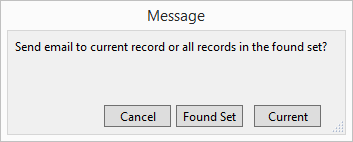
A dialog box appears.
-
Click Current to send an email to just this customer.
-
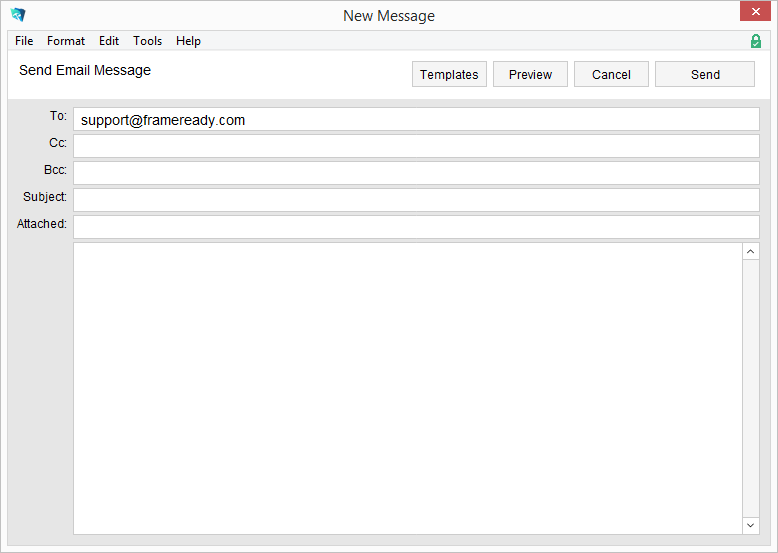
The New Message window appears.
-
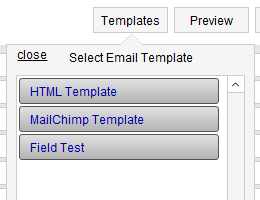
To load a template, click the Templates button and choose one of your stored templates:
-
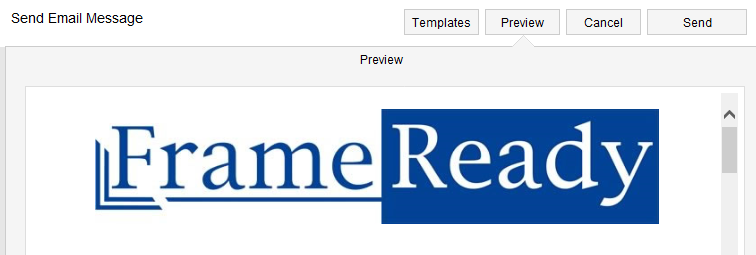
Click Preview to see how the HTML Email will appear.
-
Click Send or Cancel.
Mail Merge Fields
The Section Sign: §
Hold down the Alt key and type 0167
When designing your HTML email, use the following merge fields as needed:
Merge Fields for Contacts
The following merge fields are available for HTML email in the Contacts file:
-
§Company§
-
§First Name§
-
§Last Name§
-
§Your Business Name§
-
§Your Business Address§
-
§Your Business Hours§
-
§Your Business Phone§
© 2023 Adatasol, Inc.