Print Retail Inventory List
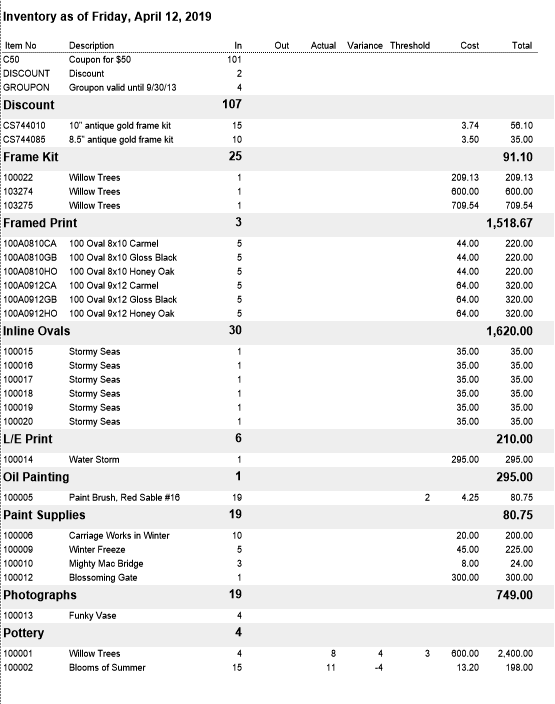
This is a list of your retail product inventory showing quantity, actual and variance. It is a very useful tool when performing a physical inventory.
How to Print a Retail Inventory List
-
Go to the Products file and switch to List View.
-
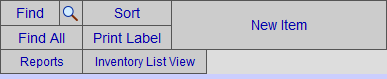
Click the Inventory List View button.
-
The Inventory List View appears.
Click the Print Inventory Report button.

-
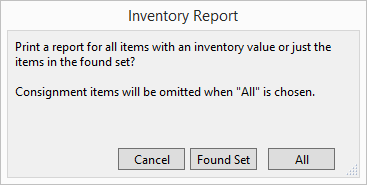
A dialog box appears:
-
Click Found Set or All.
A print preview of the document appears. -
Click Continue to print or Save as PDF.
Example Print
© 2023 Adatasol, Inc.