Clear Product Inventory
Sometimes you may need to remove the data in the inventory fields in the Products file. Rather than delete each field individually, you can clear all of the fields at once.
How to Clear Product Inventory Fields
Note: It is not necessary to clear your inventory fields before doing a physical inventory because there is an Actual field.
-
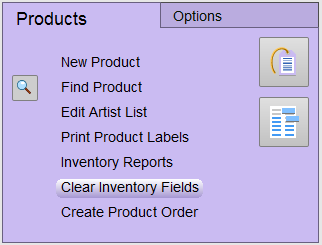
Go to Main Menu > Products purple section > Clear Inventory Fields button.
-
Choose Clear All Retail Items or move the values from the Actual field to IN field and clear the Actual field.
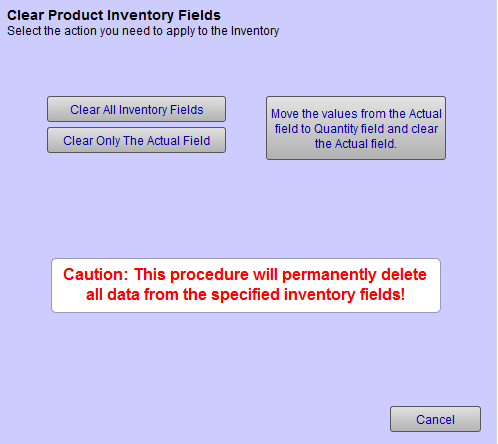
The purpose of this button is to allow for the taking of a physical inventory, where you are able to generate reports that give the variance between what you think you have in stock and what you actually have in stock. This will show shrinkage.
CAUTION: This process is permanent and cannot be undone.
© 2023 Adatasol, Inc.