Certificate of Authenticity (COA)
If your gallery produces or publishes its own artwork, then you may compose and print your own Certificates of Authenticity.
How to Enter a Certificate of Authenticity
-
Locate the artwork in your Products file.
-
Open the Artwork tab.
-
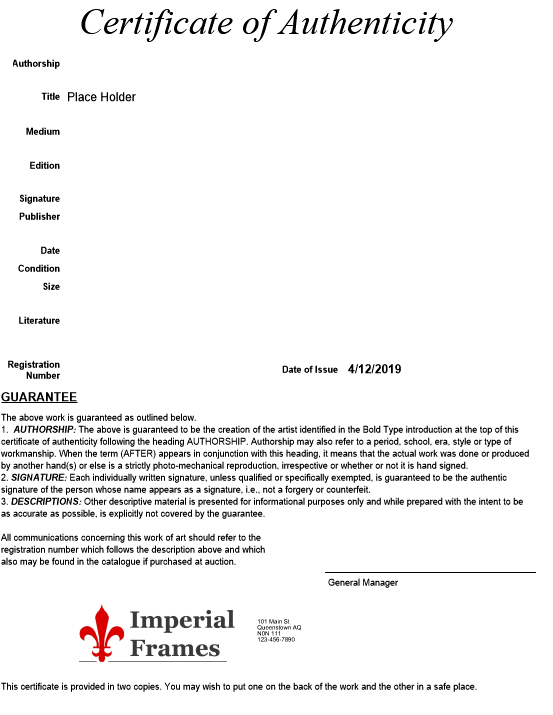
Enter the correct information in the fields:
-
Title/Desc
-
Edition
-
Condition
-
Size
-
Authorship
-
Signature
-
Publisher
-
Literature
-
Registration #
-
-
The Certificate of Authenticity checkbox is used to indicate that a certificate is available for the artwork shown.

How to Print a Certificate of Authenticity
-
Locate the artwork in your Products file.
-
Open the Artwork tab.
-
Click the Print Certificate button.

-
A print preview of the document appears.
-
Click Save as PDF or Continue.
Note: The Guarantee text may be re-written or amended using the FileMaker Layout feature. Call the FrameReady team at 1-888-281-3303 for directions.
Example Print
© 2023 Adatasol, Inc.