Accounts Receivable Report by Customer (Aging)
-
All Invoices with a balance owing are included in this Accounts Receivable by Customer report.
-
Information is listed by customer name showing 30, 60 and 90 summary (age) subtotals.
-
Print this screen as a report or print or email individual statements.
How to Print an Accounts Receivable Report by Customer
As a Full Report
-
On an Invoice (form view), click the Accounts Receivable Report sidebar button.

-
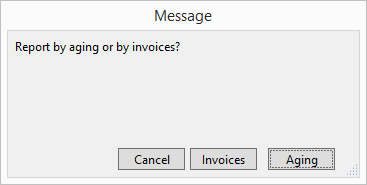
A dialog box appears asking you to choose Invoices or Aging.
-
Click the Aging button.
-
A list of Accounts Receivable by Aging appears.
-
Click the Print button.
-
Click Done.
As Individual Customer Balances
-
On an Invoice (form view), click the Accounts Receivable Report sidebar button.
-
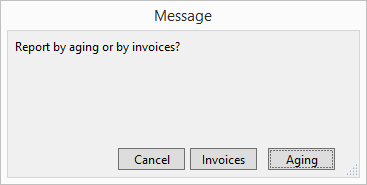
A dialog box appears asking you to choose Invoices or Aging.
-
Click the Aging button.
-
A list of Accounts Receivable by Aging appears.
-
Find the customer’s name in the list and then click the Email icon or the Print button to the right of their name.
-
Click Done to return to the Invoices.
© 2023 Adatasol, Inc.